 paintqr
Codes that belong on the label
Ingredients, origin, a recipe or an offer, behind a code that carries your product's own picture, so it sits on the pack like part of the design.
Make a label code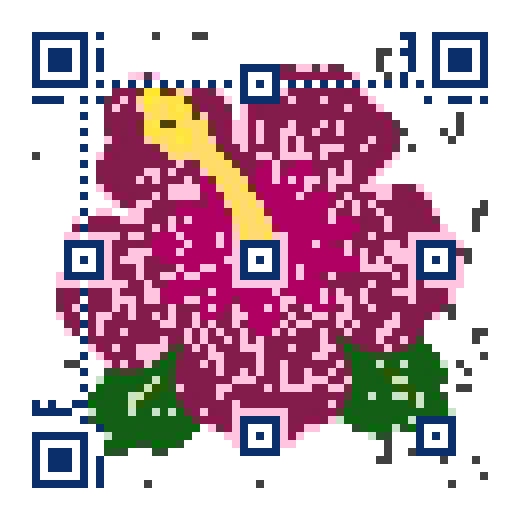
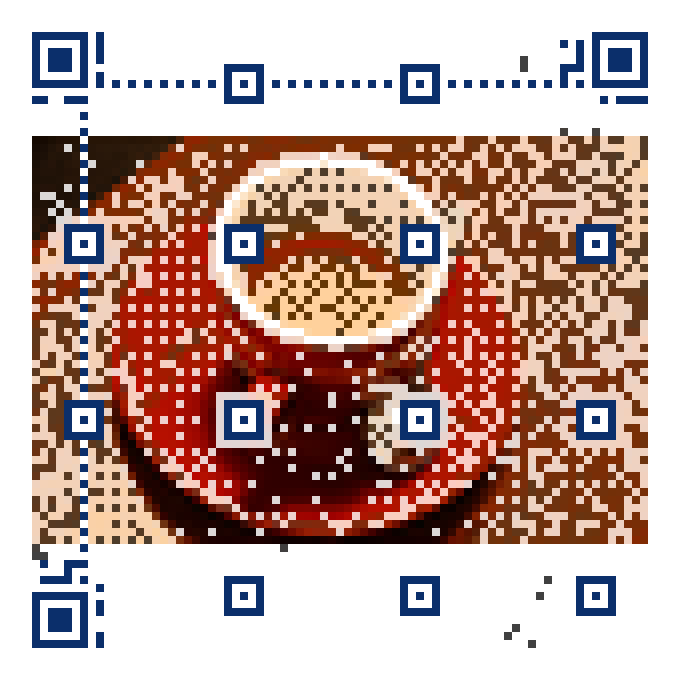
Every code on this page is real and opens paintqr.com. Try one with your phone.
Print files for the press
SVG and PDF at the exact size, ready for your packaging designer or printer.
One run, many campaigns
Point the same printed code at this season's offer, then next season's.
Print size
Labels are small and often curved: keep the code flat and at or above the minimum size the download states. How the sizes were measured.
Who this is for
Makers of food, drink, cosmetics and crafts who print small labels and want the code to look like part of the pack: the product's own emblem, a fruit, a leaf, a bottle, drawn by the code. The code opens ingredients, origin, a recipe, care instructions or an offer, which is what shoppers scan for.
Every PaintQR design is checked against our phone tests before download, and the files state the minimum size, which matters most on packaging, where space is tight.
Where it goes and how big
Labels are small and often curved. Keep the code on the flattest face of the pack, never across a seam or a corner, and at or above the stated size: about 3 cm for a simple icon at Low detail, 4 cm for a logo at Medium. On a bottle, the code should span less than a quarter of the circumference, or the curve bends it beyond what phones correct.
Print black on white or dark on light. Codes printed in a light colour on a dark pack do not scan on most phones. Matte label stock scans better than gloss, and a clear varnish over the code is fine if it is matte. Shrink sleeves distort; test one before the run.
Static or editable
Packaging runs are long and expensive to reprint, so an editable link is the sensible choice: the code opens a short paintqr.com address you can point at this season's recipe page, a recall notice, or a new offer, without touching the label. Pro also shows scans by day and country, which tells you where the product is being opened.
Questions
How small can a packaging code be?
About 3 cm across for a simple icon at Low detail, including the white margin, at 0.6 mm per square as our phone tests measured. Smaller than that, phones start to miss it.
Can the code be printed in my brand colour?
Yes, as the picture, with the Accent or Colour styles. The code's dark squares stay dark, which is what the phone reads.
What about printing on kraft or coloured stock?
Light kraft works at one size up; mid and dark colours do not give enough contrast. On those, print the code in a white panel.
Can I change what the code opens after the label run?
With an editable link, yes, from your account at any time; a static code cannot be changed.